Less in the way.More of the moment.
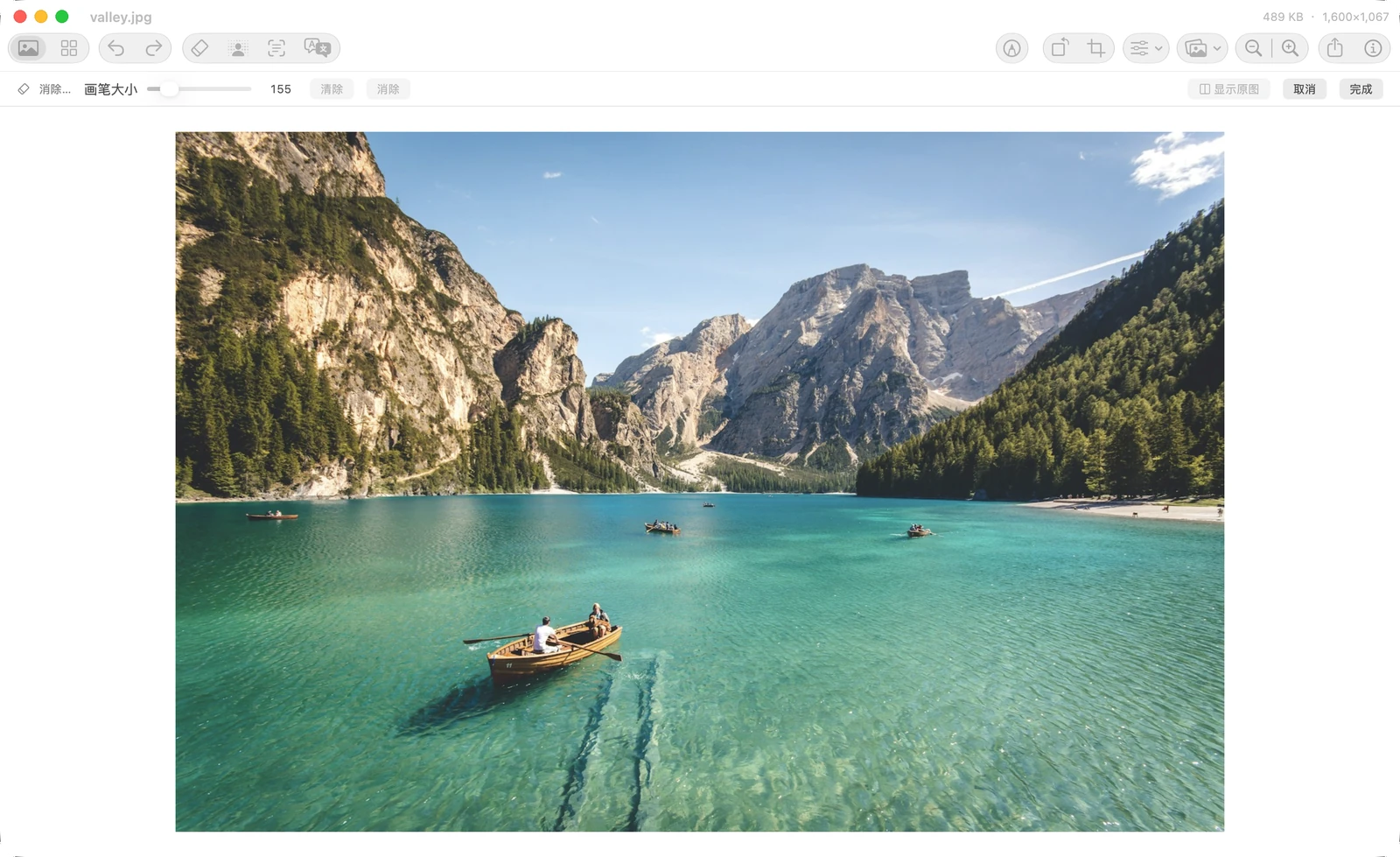
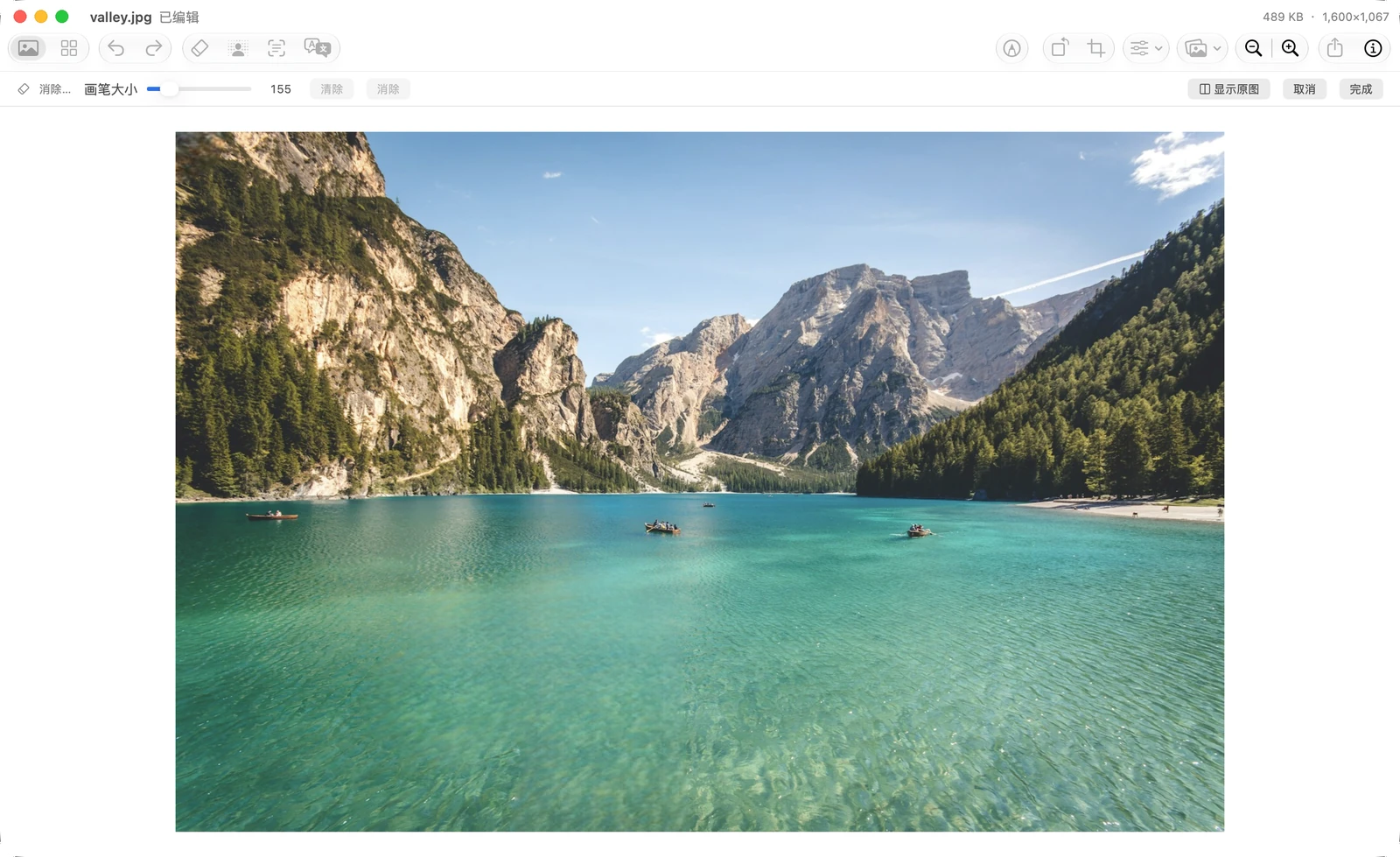
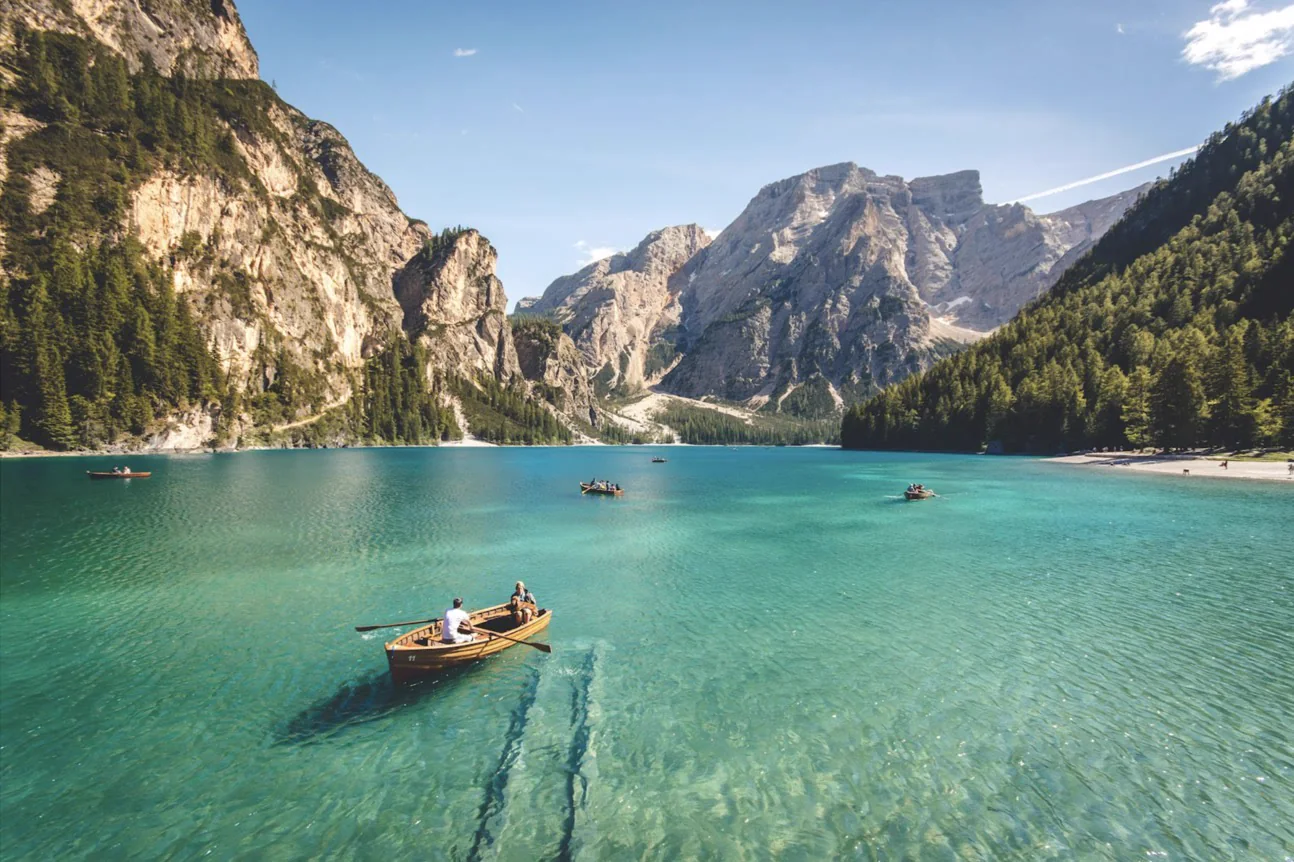
AI Erase. Brush over an unwanted person or object. Bring the focus back to what matters.
Peekpic
The native Mac image viewer for the AI era. All free. On-device.
macOS 14 or later · Apple silicon
Open the downloaded DMG and drag Peekpic into Applications.
Use Peekpic on your Mac.
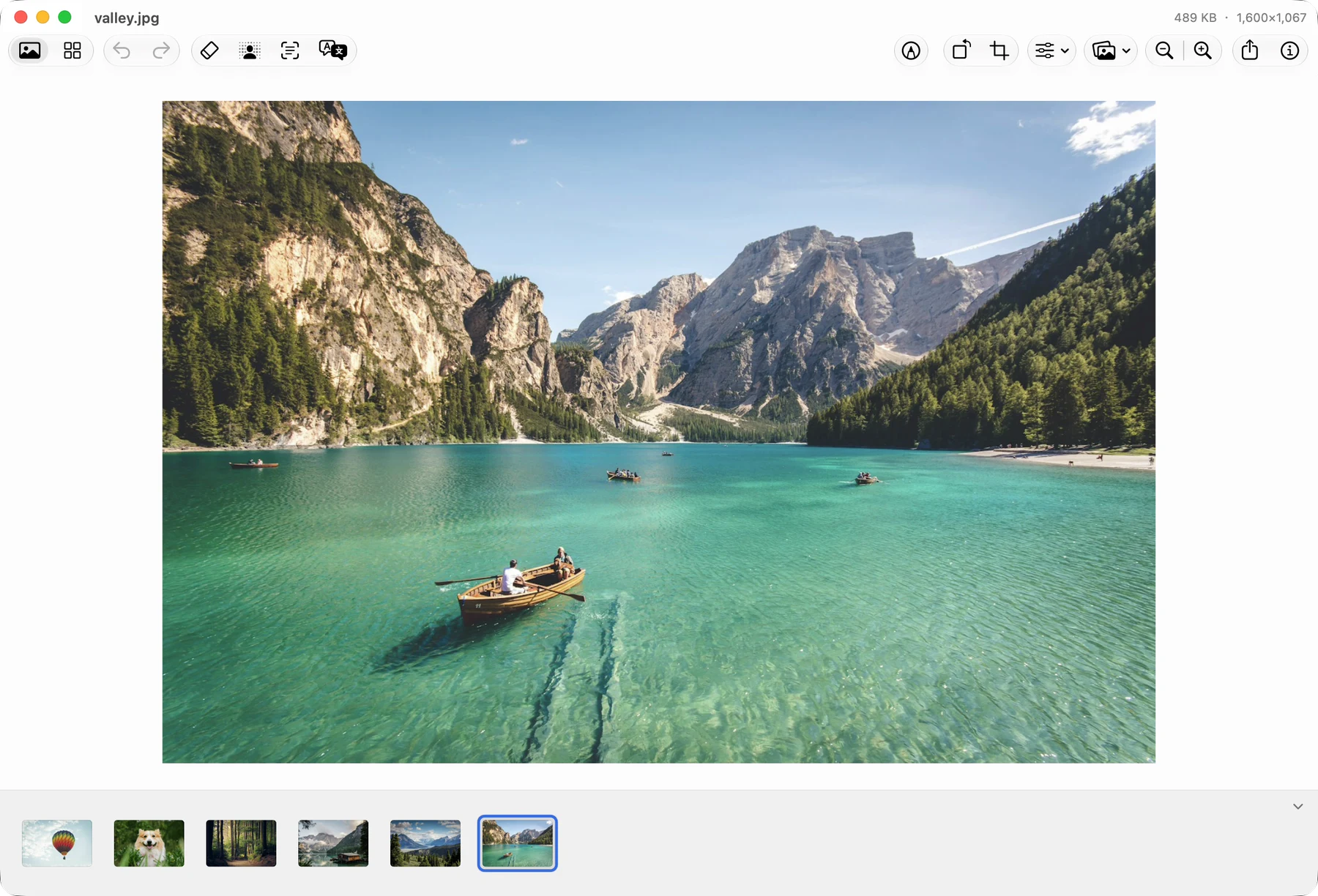
AI Erase. Brush over an unwanted person or object. Bring the focus back to what matters.
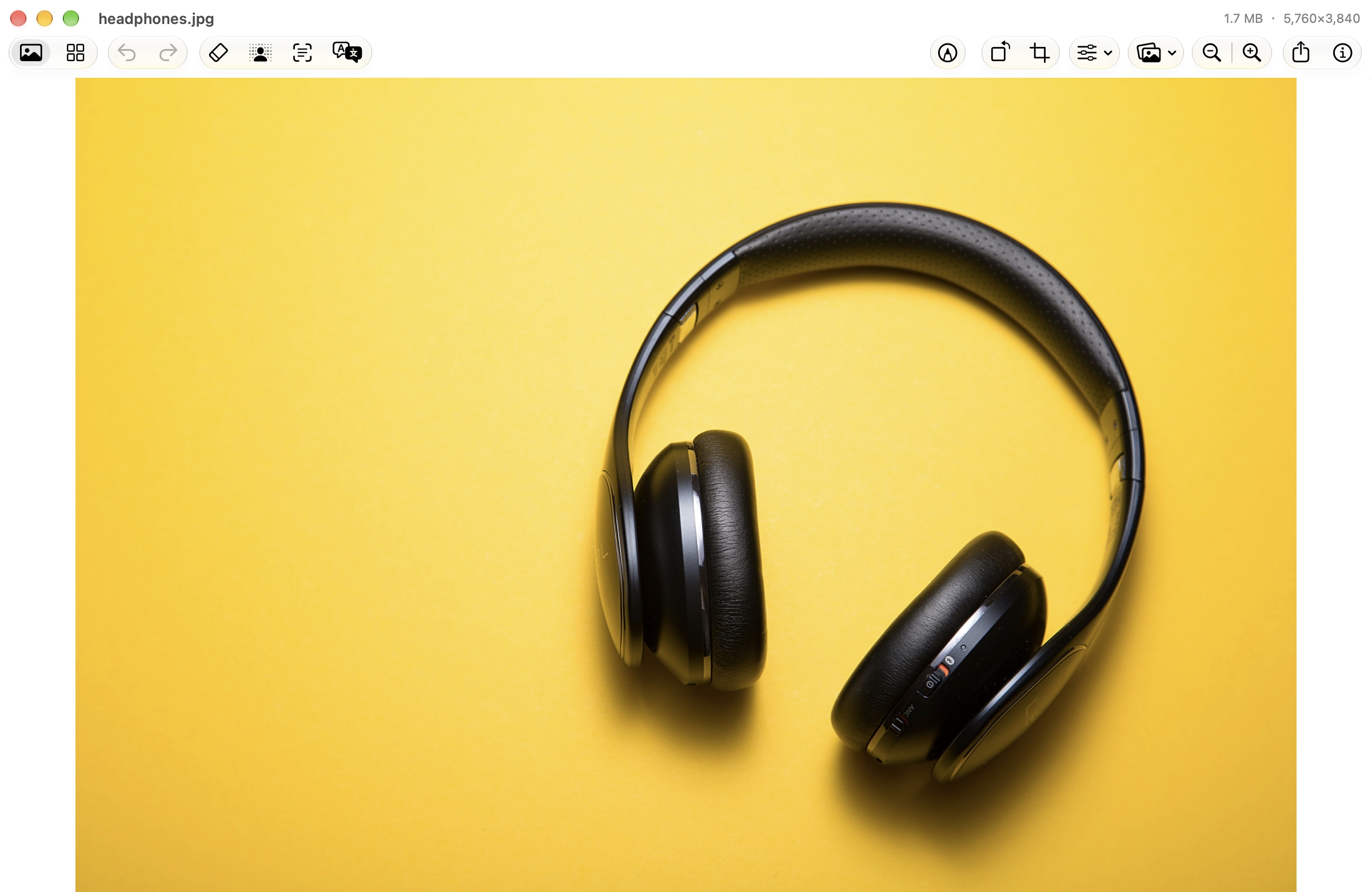
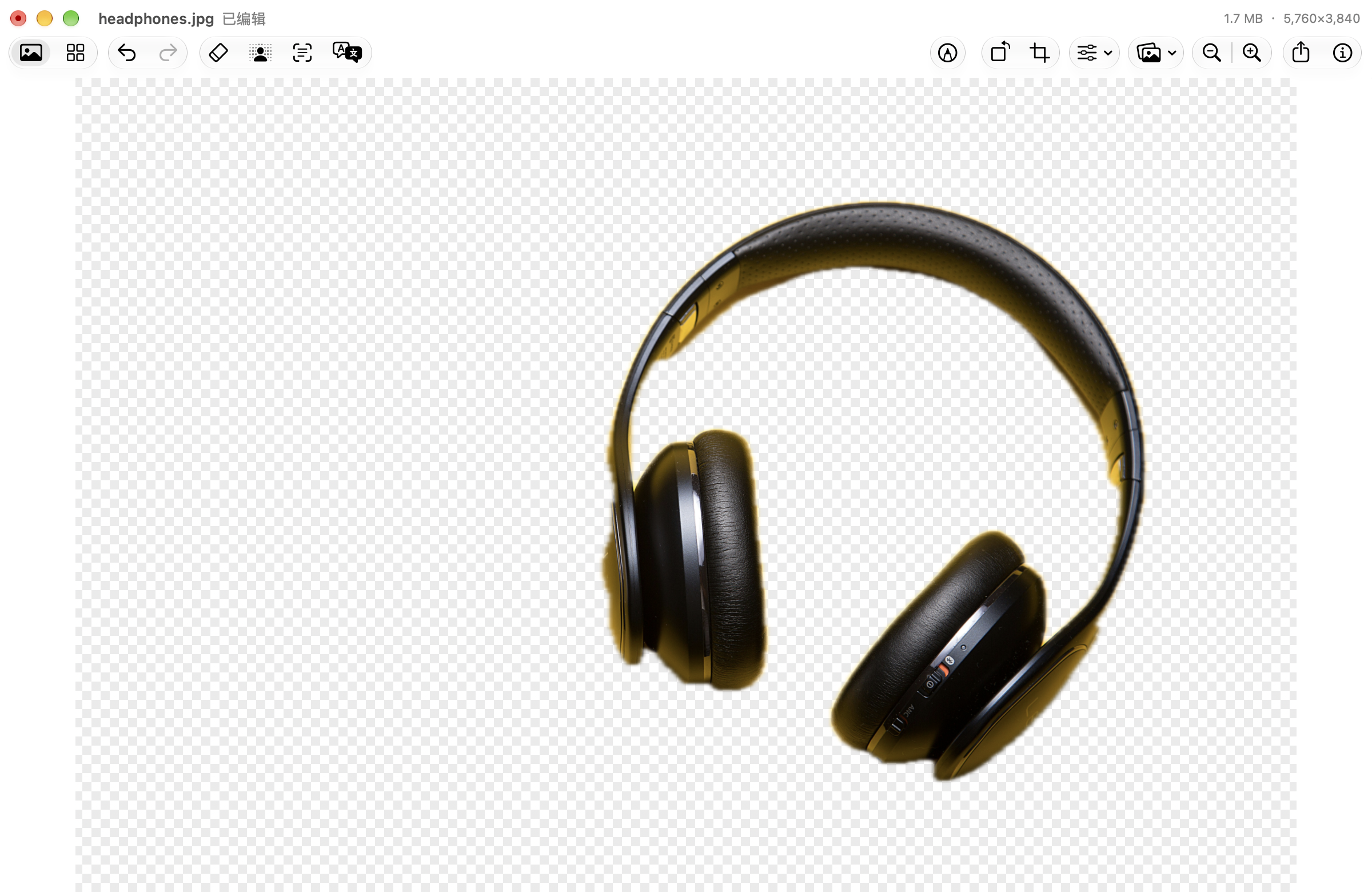
One-click cutouts. Lift the subject out of its background. A transparent image, ready for your next idea.

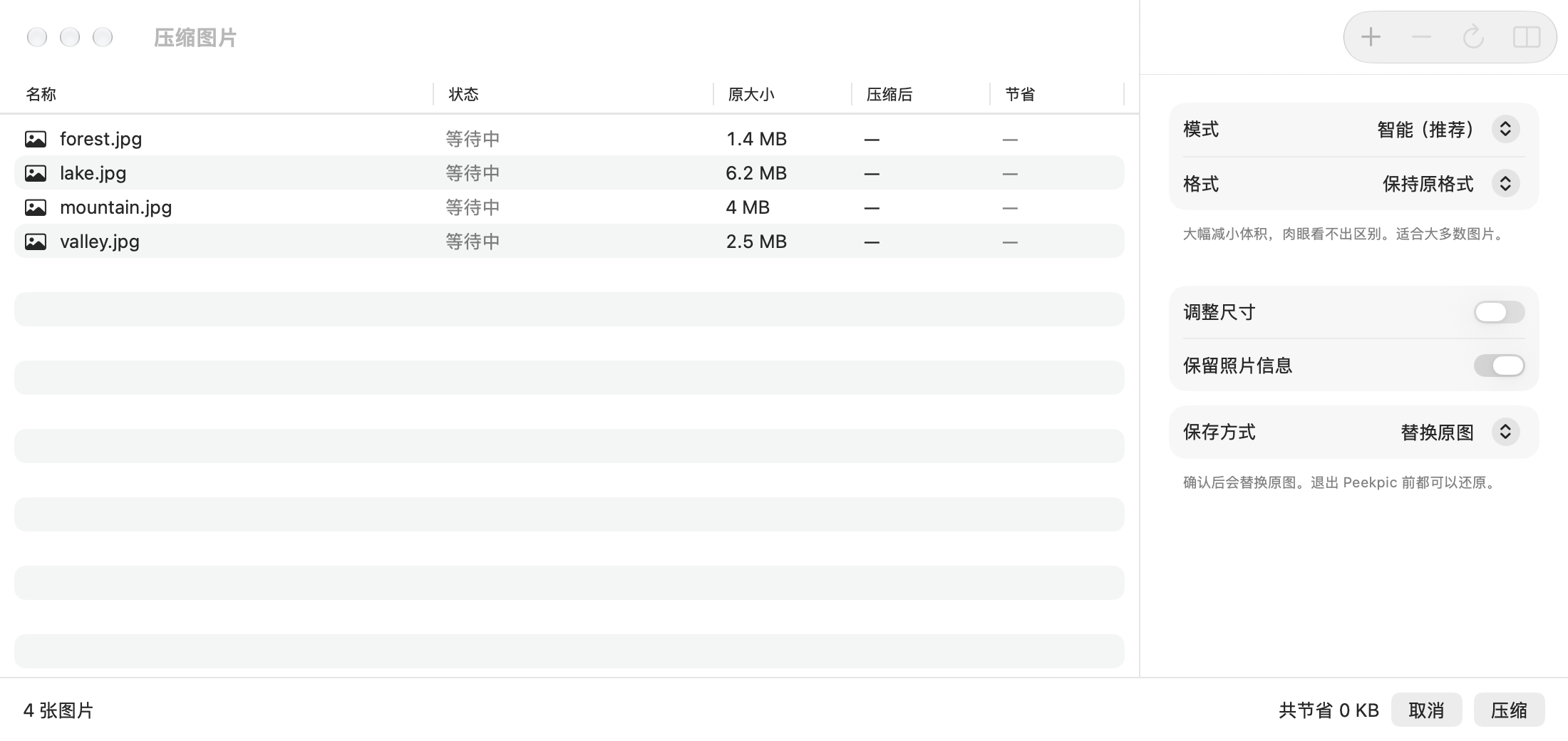
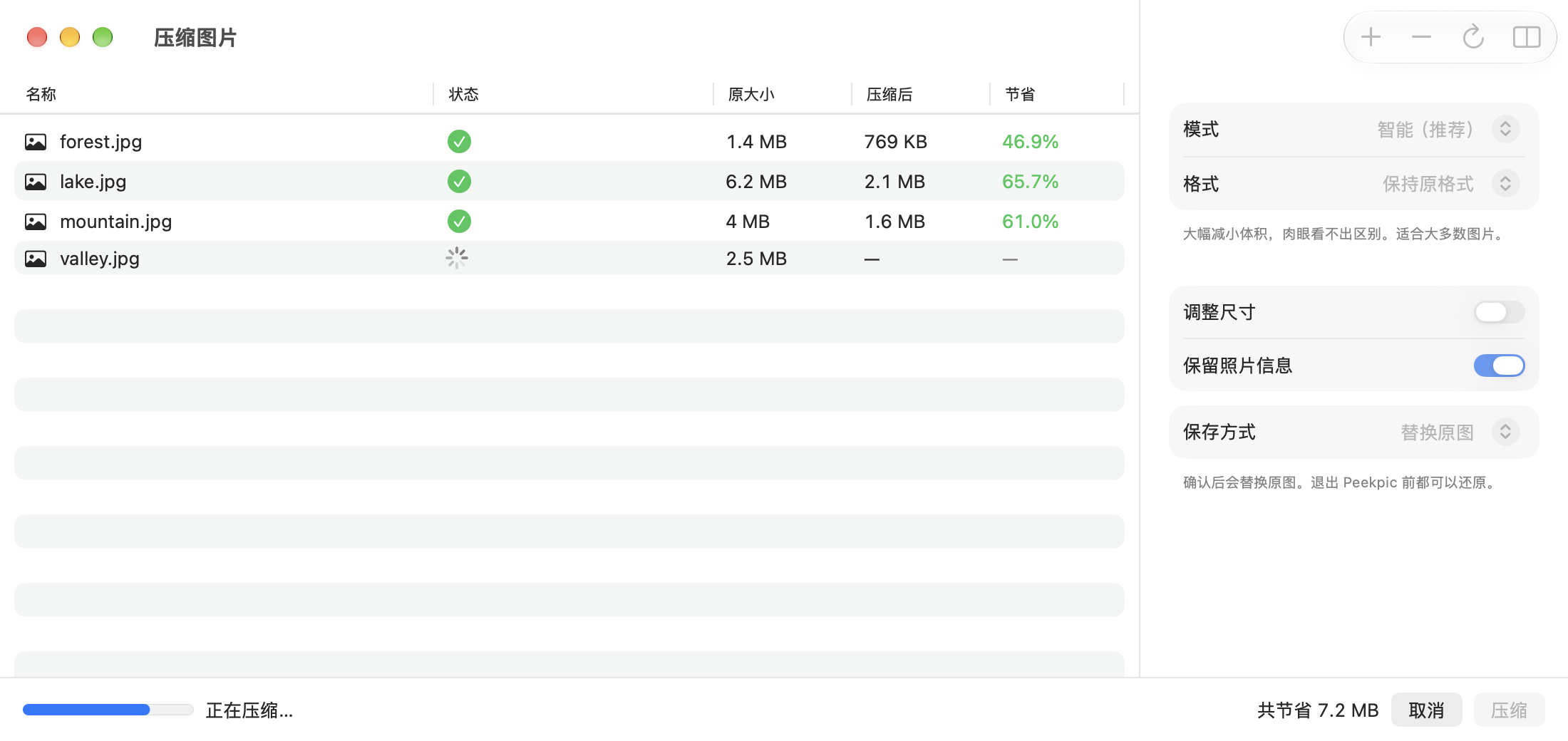
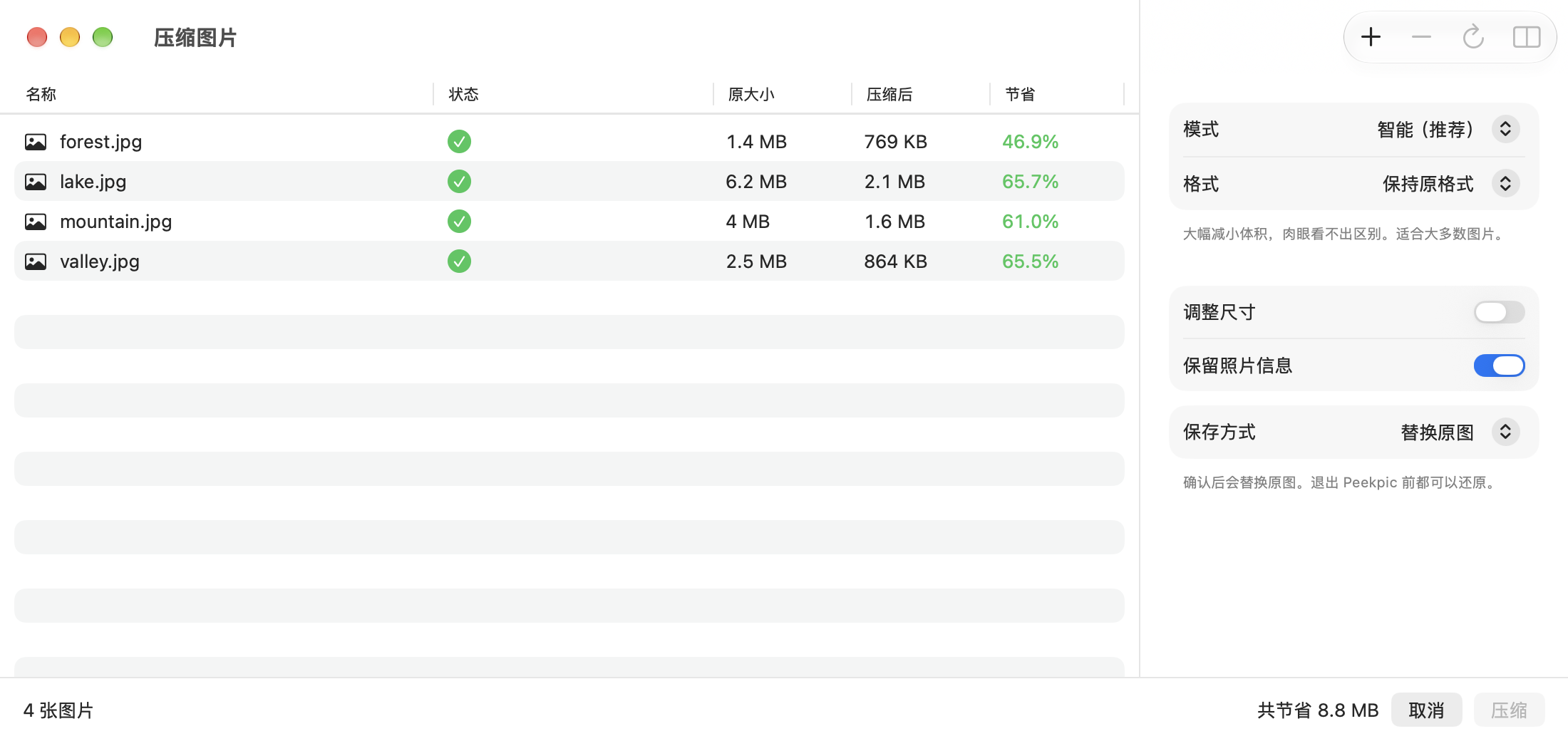
Smart Compression. Balance quality and file size. Make room for more, and sharing a little easier.
Less space−65.7%
Measured sample · Results vary by image
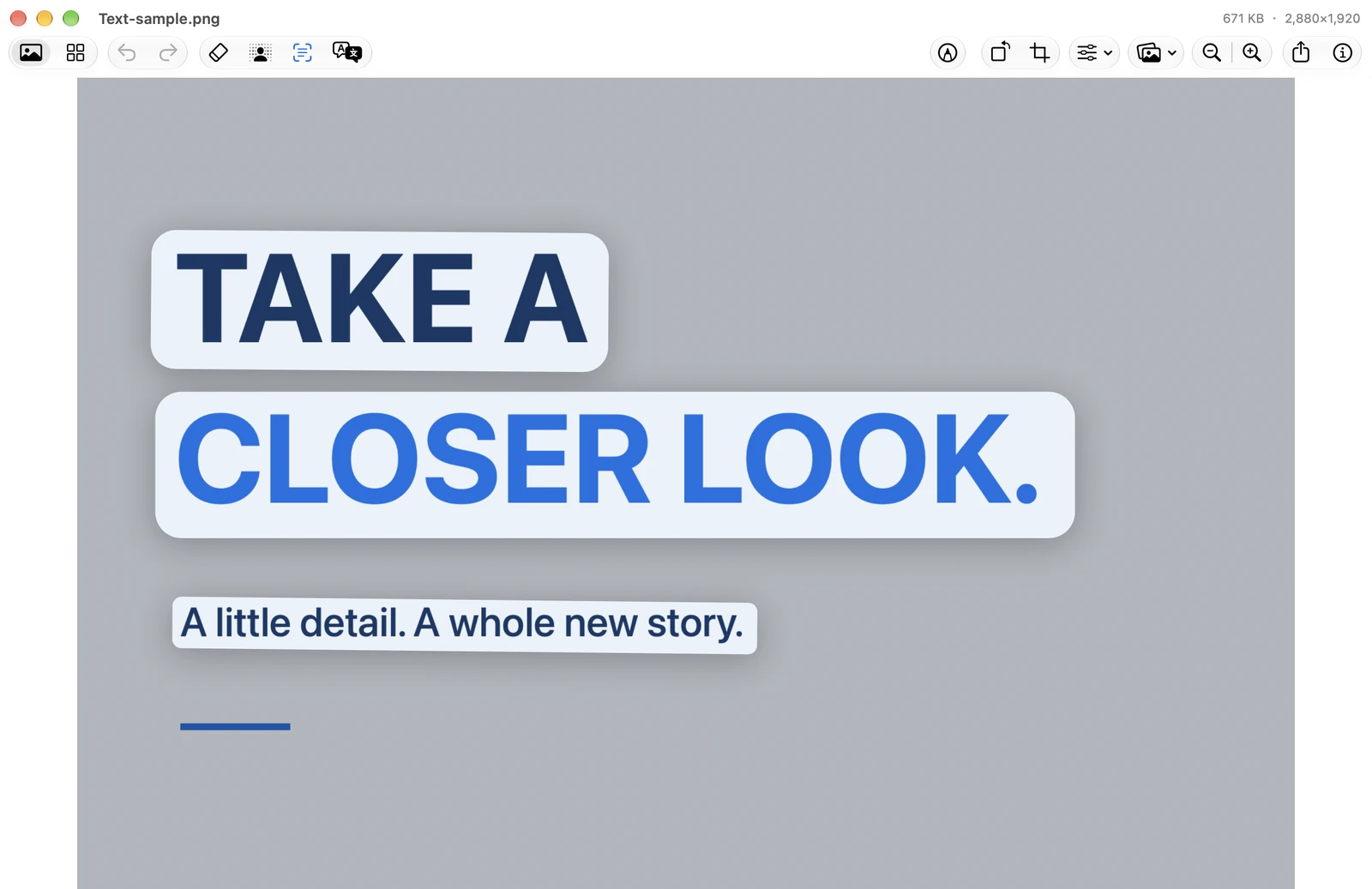
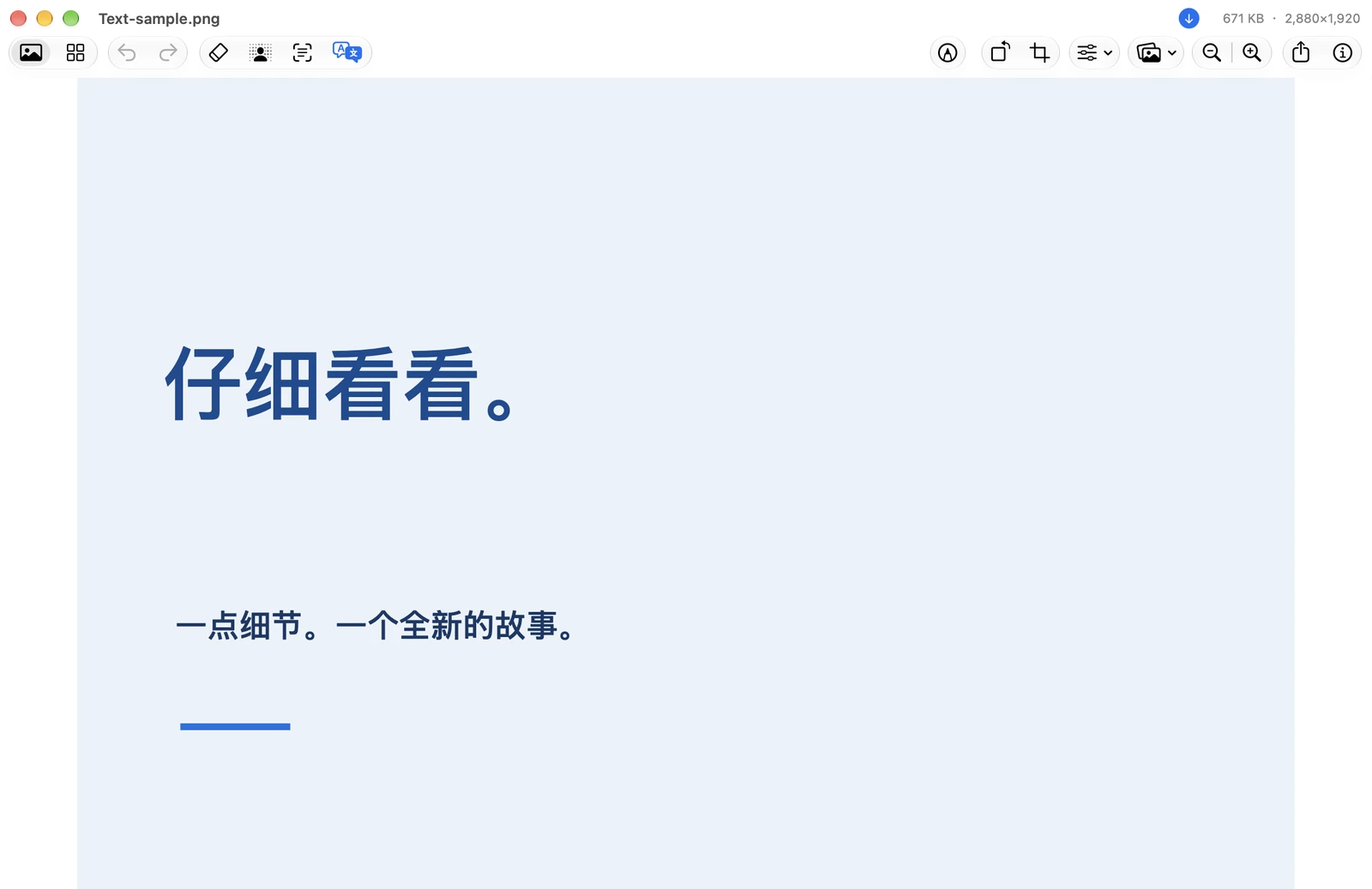
Text recognition and translation. Select text to copy it. Translate it in a click.1
A native interface. Familiar shortcuts. Viewing and editing that keep up with you.
Images are processed on your Mac. No image uploads. No account. Your photos stay yours.
Explore our privacy approachErase, cut out, compress, recognize and translate. Download and make yourself at home.
1. In-image translation requires macOS 15 or later. The system translation popover requires macOS 14.4 or later. Some languages require a language pack download.
| Features | Peekpic | PreviewBuilt into macOS |
|---|---|---|
| View, crop and annotate | Supported | Supported |
| One-click background removal | Supported | Supported |
| Recognize and copy image text | Supported | Supported |
| AI brush erasing | Supported | Not built in |
| Smart batch compression | Supported | Not built in |
| Translation overlaid in the image | Supported | Not built in |
| Two-image synced zoom and pan | Supported | Not built in |
| On-device image editing | Supported | Supported |
| Read and sign PDFs | Not built in | Supported |
| Price | Free | Free |
For details about the features of Preview on Mac, see the Preview User Guide
Yes. Viewing, AI Erase, cutouts, compression, text recognition and translation are currently free. No subscription or account required.
No. Images are processed on your Mac. Updates, language-pack downloads and optional anonymous usage analytics may use the internet. Analytics never includes your images, recognized text or file paths.
Peekpic supports Apple silicon Macs running macOS 14 or later. In-image translation requires macOS 15 or later. Some languages need a language pack on first use.
Viewing leaves originals unchanged. Edits are written when you save. Compression replaces originals by default; you can choose to save copies in Settings. Keep backups of important images.
Peekpic focuses on image viewing and editing. Preview is still a good choice for reading, filling out or signing PDFs.